How to Choose and Use LEGO Compatible Motors in Your Custom Brick Builds
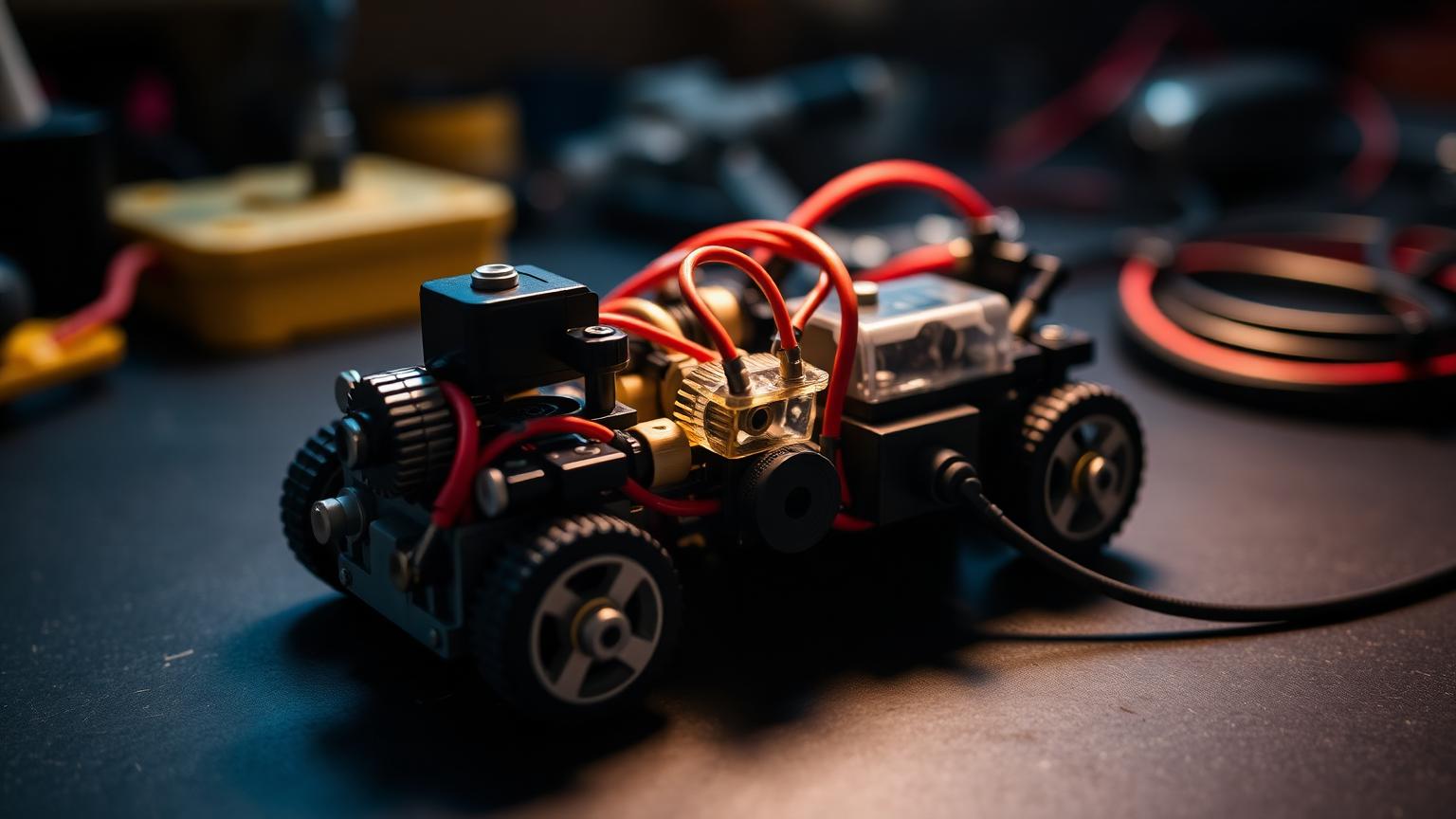
Adding motion to a brick model changes everything. A static crane becomes a working crane. A parked car rolls across the floor. A conveyor belt actually moves parts from one end to the other. Motorization is where mechanical building crosses into engineering, and it is one of the most rewarding skills a serious builder can develop.
This guide covers the full process: picking the right motor for the job, understanding the torque-versus-speed trade-off, wiring your first circuit, and building three real projects — plus a troubleshooting section for when things do not spin the way you planned.
Understanding LEGO Compatible Motors
Lego compatible motors are electric motors built to interface with standard brick systems, using the same stud and axle connections you already work with. That means they slot into existing builds without adapters or workarounds. Most fall into a few broad categories:
- Simple DC motors — spin continuously in one direction, reverse when you flip polarity. Great for wheels, fans and conveyor belts.
- Geared motors — a DC motor with an internal gearbox, trading raw speed for higher torque and finer control.
- Servo motors — rotate to a precise angle rather than spinning freely. Ideal for steering and articulated arms.
- Stepper-style motors — move in defined increments for repeatable positioning.
Step 1: Match the Motor to the Job
Torque is rotational force; speed is how fast the motor spins in RPM. You cannot maximise both at once. Gearing shifts the balance: a small gear driving a large gear multiplies torque while cutting speed, and reversing that setup boosts speed at the cost of force.
| Project type | Priority | Best choice |
|---|---|---|
| RC car, fan, flywheel | Speed | Fast DC motor, light gearing |
| Crane, lift, drawbridge | Torque | Geared motor, heavy reduction |
| Steering, robot arm | Precision | Servo motor |
| Conveyor, turntable | Steady control | Geared DC motor |
Weigh the moving parts before buying. If you are unsure, err toward more torque and add gearing to recover speed — it is easier to trade torque for speed than the reverse. To compare specs before committing, browse the motor and component catalog and check the RPM and torque ratings listed for each model.
Step 2: Learn the Wiring Basics
Wiring intimidates first-time builders, but the fundamentals take about ten minutes to grasp and modern lego compatible motors plug together without soldering.
- Three core parts. A power source (battery box or rechargeable pack), a control element (switch, polarity switch or receiver) and the motor, connected in a loop.
- Polarity sets direction. Reverse the wires and the motor spins the other way — a polarity switch is essential for reversing cars and raising or lowering cranes.
- Voltage matters. Most systems run on 9V. Overvolting shortens motor life; undervolting leaves it sluggish.
- Route wires as you build. Leave hollow channels inside walls and columns so cables disappear into the structure.
Step 3: Build Your First Three Motorized Projects
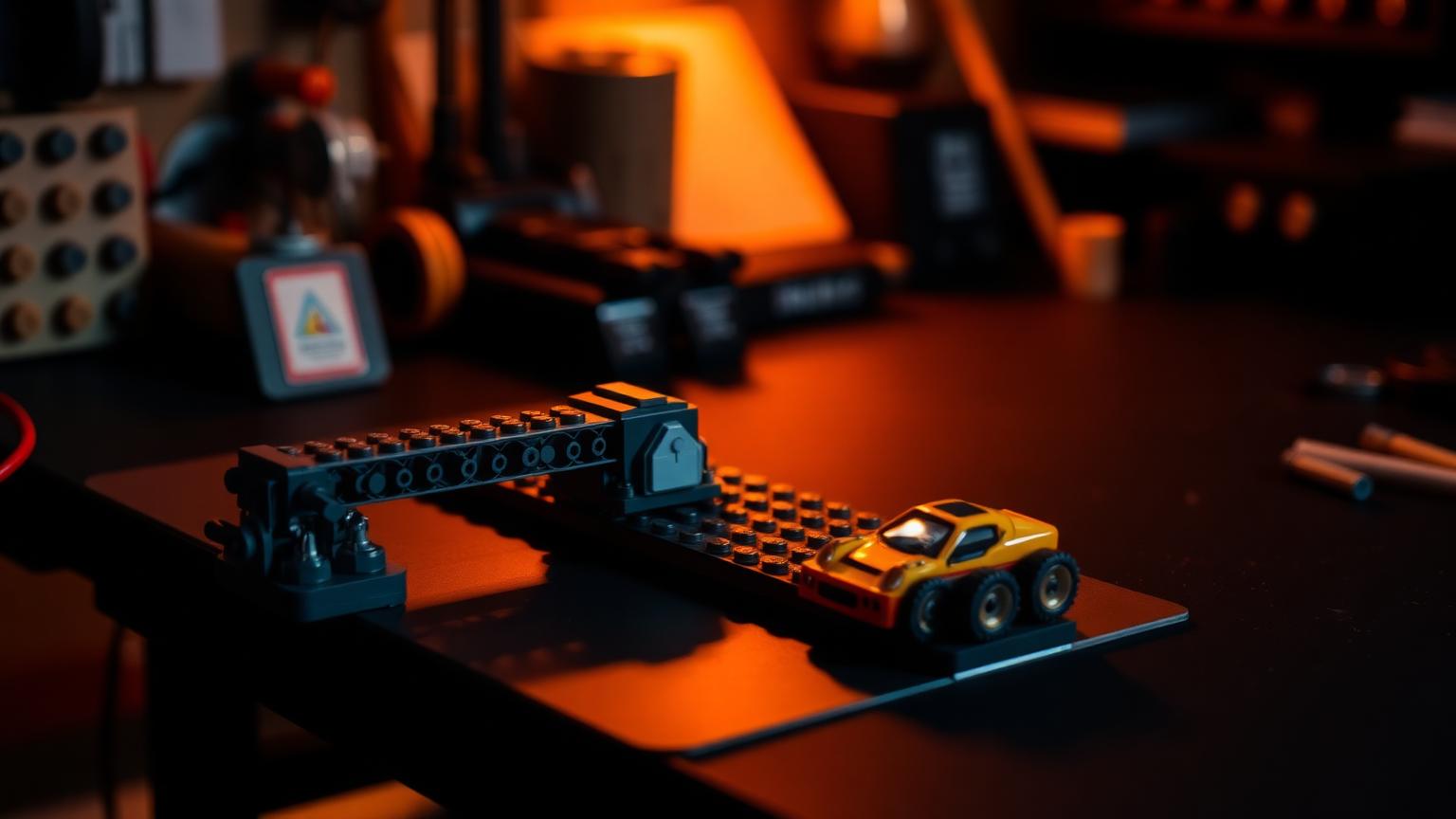
- A simple RC car. Mount a fast DC drive motor low and central, connect it to the rear axle through a gear train, link a servo to the front axle for steering, then wire the receiver and battery. The lesson is weight distribution — a top-heavy car flips on turns.
- A working conveyor belt. Mount two rollers on a rigid frame, loop a tread around them, and drive it with a geared DC motor. Tension matters: too loose and it slips, too tight and it strains the motor. This is where torque beats speed.
- A motorized display turntable. Fix a turntable bearing to a weighted base and drive it through a worm gear. Aim for one rotation every 20 to 40 seconds — the worm gear holds position when stopped so your model never drifts.
For deeper build breakdowns and mechanism ideas, the Morebybourn article library collects tutorials from experienced builders who document their wiring layouts and gear ratios in detail. A stable base plate foundation also keeps motorized mechanisms aligned.
Step 4: Troubleshoot Common Motor Problems
- Motor will not spin. Swap the batteries first, press every connector firmly, confirm the switch works, then connect the motor straight to the battery to isolate the fault.
- Motor spins but nothing moves. Almost always mechanical: reseat slipping gears, loosen a binding assembly, or replace an axle that has stripped its grip inside a gear.
- Motor overheats or runs weak. Reduce the load with more gear reduction, check you are not over- or undervolting, and give it rest between heavy runs.
- Too fast or too slow. Adjust the gear ratio one gear at a time and test between changes.
When a problem stumps you, detailed setup and diagnostic help lives on our support page, which walks through wiring notes and compatibility guidance for different motor types.
Step 5: Level Up Your Motorized Builds
- Multi-motor coordination. Drive several motors from one controller for walking robots or synchronized machinery.
- Sensor input. Add distance or colour sensors so your build reacts to its environment.
- Programmable control. Move beyond switches to programmable hubs where you code motion sequences — real STEM learning through logic and iterative testing.
- Share your work. Builders trade wiring solutions and gear ratios constantly; the best mechanisms usually started as someone's shared experiment.
Putting It All Together
Match the motor to the job, respect the torque-versus-speed trade-off, keep wiring simple and planned, build the three starter projects, and lean on troubleshooting logic when something misbehaves. More mechanical guides live in the Lego Compatible Bricks hub.
Frequently Asked Questions
Do LEGO compatible motors work with official LEGO sets and other brick brands?
Yes. Quality lego compatible motors use the same standardized stud and axle connections as mainstream brick systems, so they integrate directly into official sets and other compatible brands. The physical connection points match, and standard axles transfer power the same way. Always check the voltage rating to ensure your battery source and motor are a proper match before combining components.
What's the difference between torque and speed, and which do I need?
Torque is rotational force — how much weight the motor can turn. Speed is how fast it spins in RPM. You cannot maximize both at once, so match the priority to your project. Fast-moving builds like RC cars want speed with light gearing. Load-bearing builds like cranes and conveyors want torque, achieved through gear reduction. When in doubt, choose more torque and add gearing to recover the speed you need.
Do I need to know electronics or soldering to motorize a build?
No. Modern motor systems are designed to plug together without soldering. A basic circuit needs only three parts: a battery box, a switch or controller, and the motor, connected in a loop. Understanding polarity (which controls spin direction) and matching voltage covers nearly everything a beginner needs. Step-by-step guides and community support make the learning curve short.
Why does my motor spin but the mechanism doesn't move?
This is almost always mechanical rather than electrical. Check that your gears mesh properly, since misaligned gears slip and grind. Look for binding, where a too-tight assembly stalls the motor. Also inspect for stripped connections, where an axle spins freely inside a gear that has lost its grip. Isolating and testing each part in sequence pinpoints the problem quickly.
Are motorized building projects good for STEM learning?
Absolutely. Motorized builds teach hands-on engineering principles: force and motion, gear ratios, circuits, and problem-solving through iterative testing. Adding programmable hubs and sensors extends the learning into coding and logic. For families, these projects turn screen-free time into genuine skill-building, and they scale in complexity as a young builder's confidence grows.
Order LEGO-Compatible Sets from Morebybourn
We sell LEGO alternative sets, motorized kits and compatible bricks built to the same universal standard. If you would like help matching a motor, gear train or power pack to your project, simply contact our customer service team and we will place the order for you.