How to Build and Showcase a Compatible Bricks Project Gallery
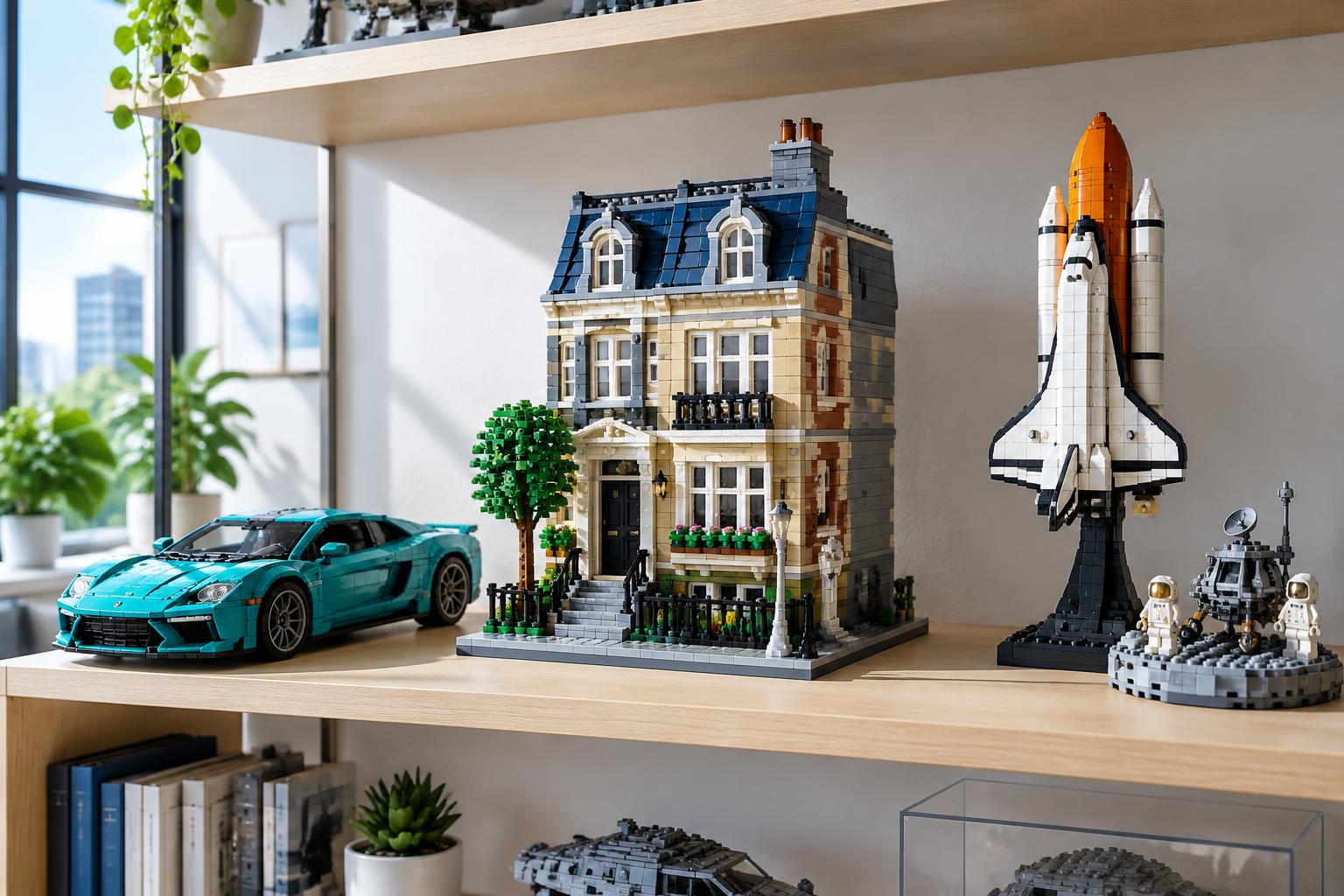
Finishing a build is only half the job. The other half — the part most builders skip — is showing it off properly. A messy pile of photos on your phone doesn't do justice to 2,000 hours of clutch-power precision. A well-built compatible bricks project gallery does.
Whether you're an adult hobbyist with a shelf of finished skylines, a parent documenting a weekend STEM project, a collector with a rotating display case, or a creator showing off an original MOC, a gallery turns scattered builds into a body of work. This guide walks through exactly how to build one — from choosing which projects deserve the spotlight to sharing the final result with a community that actually cares.
What Makes a Great Compatible Bricks Project Gallery
A strong compatible bricks project gallery isn't just a photo dump. It's a curated record of your building journey, and the best ones share a few things in common.
First, consistency. Whether you're shooting on a phone or a DSLR, using the same lighting setup and background across builds makes a gallery feel intentional instead of accidental. Second, context. A gallery that pairs each build with piece count, build time, and brand gives viewers something to engage with beyond the image. Third, variety without clutter — showcase your best work, not every single build you've ever finished.
Galleries also need a clear purpose. Are you documenting personal progress? Building a portfolio to attract commission work? Creating a resource for other builders in your category? That purpose shapes everything from photo style to where you host it.
How to Choose and Complete Projects Worth Showcasing
Not every finished build belongs in your gallery. Before you start photographing, run through a quick filter:
- Does it represent your best work in that category? A 500-piece starter set probably won't sit well next to a 2,800-piece display model, unless you're specifically documenting growth over time.
- Is it finished, not just functional? Missing panels, mismatched colors, or an incomplete section will show up in photos more than they ever did on your desk.
- Does it tell a story? Builds with a clear theme — architecture, vehicles, space — group naturally into a cohesive gallery.
If you're working through a backlog of half-finished sets, this is also the moment to close them out. Architecture and skyline builds in particular photograph well once complete, which is part of why they're a popular starting point for adult hobbyists building their first compatible bricks project gallery. Browse current architecture sets if you're looking for a showcase-worthy project to complete before you start shooting.
For collectors, completion also means checking batch consistency — color matching across a multi-box set matters far more in a photographed gallery than it does sitting on a shelf. For creators, it means resolving any compatibility gaps between brands before the final photos, since mismatched stud tolerances are far more visible in a close-up shot than in person.
How to Photograph Your Compatible Brick Builds
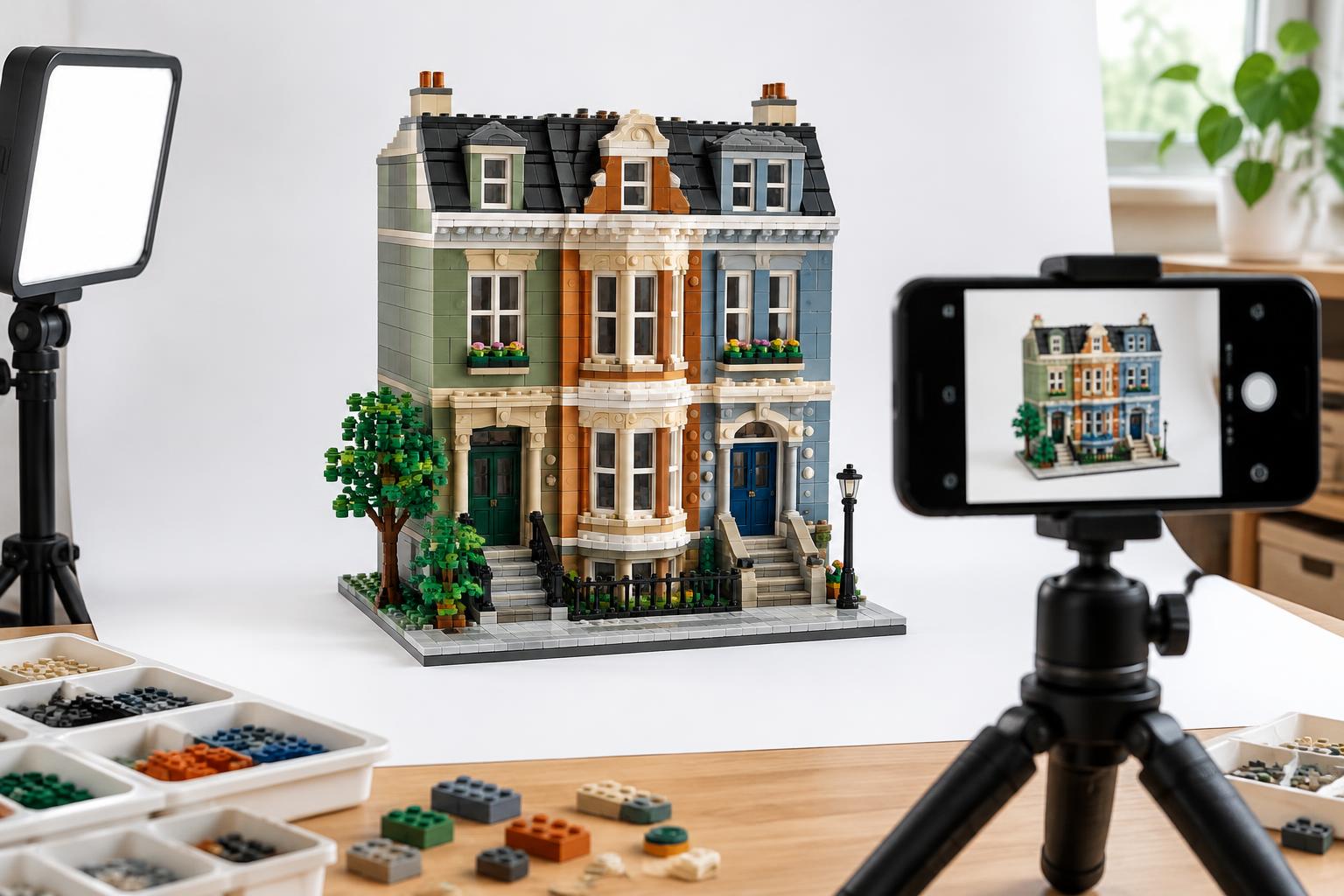
You don't need professional equipment to photograph a build well — you need consistent light and a clean background.
Lighting: Natural, indirect daylight is the easiest option. Position your build near a window but out of direct sun, which creates harsh shadows and can wash out ABS plastic's color detail. If you're shooting indoors at night, a simple LED panel or even a desk lamp with a diffuser works.
Background: A plain backdrop — white foam board, a solid-colored wall, or even a bedsheet — keeps attention on the build. Avoid busy backgrounds that compete with intricate details like minifigure accessories or small Technic components.
Angles: Shoot a hero shot straight-on, then follow with a three-quarter angle to show depth, and a close-up of a detail you're proud of — a greebled panel, a printed piece, a hidden mechanism. Three to five photos per build is usually enough for a gallery entry.
Scale: Including a minifigure in at least one shot helps viewers understand the size of larger models, especially for architecture sets that can run two feet tall or more.
For display-focused collectors, consider photographing inside an acrylic case with LED strip lighting — it's a small investment that dramatically improves how a finished model reads in photos, and it keeps dust off the model between shoots.
How to Organize and Present Your Gallery (Online and Offline)
Once you've got your photos, the next decision is where your compatible bricks project gallery actually lives.
Offline, a physical display shelf organized by theme — space, city, architecture — gives visitors a tour-like experience. Labeling each piece with build date, piece count, and brand adds a museum-like touch that collectors in particular tend to appreciate.
Online, your options range from a simple photo album to a full build log. A few approaches that work well:
- A dedicated folder structure by category (vehicles, space, architecture) if you're hosting on a personal site or cloud storage.
- A blog-style build log, where each entry includes photos, piece count, build time, and a short writeup of challenges or favorite details.
- A social media highlight reel, grouped by theme using saved stories or pinned posts.
Whichever format you choose, consistency in presentation matters more than the platform itself. A gallery with uniform photo style and consistent captions feels professional even on a free hosting platform.
How to Share Your Gallery with the Community
A compatible bricks project gallery sitting unseen on a hard drive doesn't do much for you. Sharing it — even just with a small circle of fellow builders — is where the real payoff happens.
Community forums and build-sharing groups are the most natural starting point. Builders in these spaces tend to give specific, useful feedback: lighting suggestions, compatibility tips, even ideas for extending a build. If you're a creator working on original MOCs, this kind of feedback loop is invaluable for refining future designs.
Social platforms with strong visual communities — think image-first apps and video platforms — also reward consistent posting of build photos, especially time-lapse or progress shots. Adult hobbyists and collectors tend to do particularly well here, since the before-and-after format photographs naturally.
If you're a parent documenting a family STEM project, consider sharing within parenting or homeschool communities rather than general building forums — the context of what your child learned often matters more there than the technical build details.
Whatever platform you choose, tag your builds clearly by theme and brand. It helps other builders find your gallery when they're searching for inspiration on a similar project, and it builds a recognizable thread across your posts over time.
Real-World Use Cases: Adults, Families, Collectors, and Creators
Adult hobbyists often build their gallery around a personal challenge — completing an entire architecture series, for example, or documenting a year of weekend builds. Their galleries tend to emphasize piece count, build time, and the satisfaction of finishing something genuinely difficult.
Families use a gallery differently — less about showcase, more about documentation. A rotating photo wall of completed kid-and-parent builds, labeled with the date and the child's age at the time, becomes a record of growth as much as a display of finished sets.
Collectors treat their gallery as a catalog. Detailed shots of each piece in their collection, often inside display cases, serve both as a personal inventory and a way to show off rare or limited editions to other collectors.
Creators use their gallery as a portfolio. Original MOCs photographed alongside notes on design choices and compatibility solutions double as both a showcase and a reference for anyone attempting a similar build.
Across all four groups, the gallery becomes more valuable the longer it's maintained. A single finished build is a nice photo. A dozen, organized and consistently presented, is a body of work.
Frequently Asked Questions
How many photos should I include per build in my gallery?
Three to five is typically enough — a hero shot, an angled view showing depth, and one or two close-ups of standout details. More than that tends to dilute attention rather than add value.
Do I need professional equipment to photograph my builds well?
No. Natural, indirect daylight and a plain background will get you most of the way there. A simple LED panel helps for indoor or nighttime shots, and an acrylic display case with LED lighting is a worthwhile upgrade for collectors photographing finished models regularly.
Should I organize my gallery by build date or by theme?
Theme generally creates a more cohesive viewing experience — grouping architecture, space, and vehicle builds separately. Build date works well as a secondary layer, especially for family galleries documenting progress over time.
What's the best way to get feedback on builds I share?
Community forums and build-sharing groups tend to give the most specific, useful feedback — particularly on compatibility and design choices. Social platforms are better suited for broader visibility and inspiration-seeking builders.
My gallery mixes several different brick brands. Does that matter for presentation?
Not for presentation, but it's worth noting brand and piece count in your captions, especially for creators mixing brands in a single MOC. It gives other builders useful context if they're trying to recreate or adapt your approach.
A finished build deserves more than a folder on your phone. If you're looking for your next showcase-worthy project, explore Morebybourn's full collection and start building the next entry in your gallery.
Compare our Best Lego Alternatives guides, explore the compatible bricks design consultation guide, and use our compatible bricks comparison to plan your next project.
Order LEGO Alternatives From Morebybourn
We sell LEGO alternative sets and compatible bricks for families, hobbyists, and collectors. Browse our available sets, contact our customer service team, or message us on WhatsApp for recommendations and help placing your order.
Order LEGO-Compatible Sets from Morebybourn
We sell LEGO alternative sets and compatible bricks for families, hobbyists, and collectors. Contact our customer service team for personal recommendations and help placing your order.