How to Expand Your Brick Builds With App-Compatible Sets, Base Plates, and Track Systems

Quick Answer
Expand a build in three layers: a rigid base compatible lego plate surface, a roll-tested route of lego compatible tracks, and a lego hidden side app compatible core kept clear of scenery. Build base first, track second, app core third, scenery last — and shop the sets in the Morebybourn catalog.
There is a special pleasure in taking a build you already love and making it bigger, smarter and more alive. You add a base. You add a track. You add a screen-linked layer of play. Suddenly a static model becomes a small world you can explore. This guide is for builders who want to grow their creations without starting over.
Why Expansion Beats Starting Over
A finished model is satisfying, but many builders hit the same wall: the build is done and there is nowhere left to grow. Expansion solves this. You save money, keep the parts of the build you already love, and design the connections yourself — which is where the real creativity lives.
- The base layer holds everything steady and defines your footprint.
- The movement layer uses track to carry trains, cars or figures across the scene.
- The interactive layer links your physical build to an app for mixed digital-and-brick play.
Understanding App-Compatible Play
A wave of sets once brought smartphones into the building experience, and the Hidden Side theme was the best-known example: you built a physical model, pointed a phone or tablet at it, and the app layered a game on top through augmented reality.
A lego hidden side app compatible build keeps working as long as the app stays installed and the tagged core pieces remain visible and intact. Save the app version you have, photograph the recognised core as a backup, and build scenery around the markers, never over them.
Choosing and Tiling Base Plates
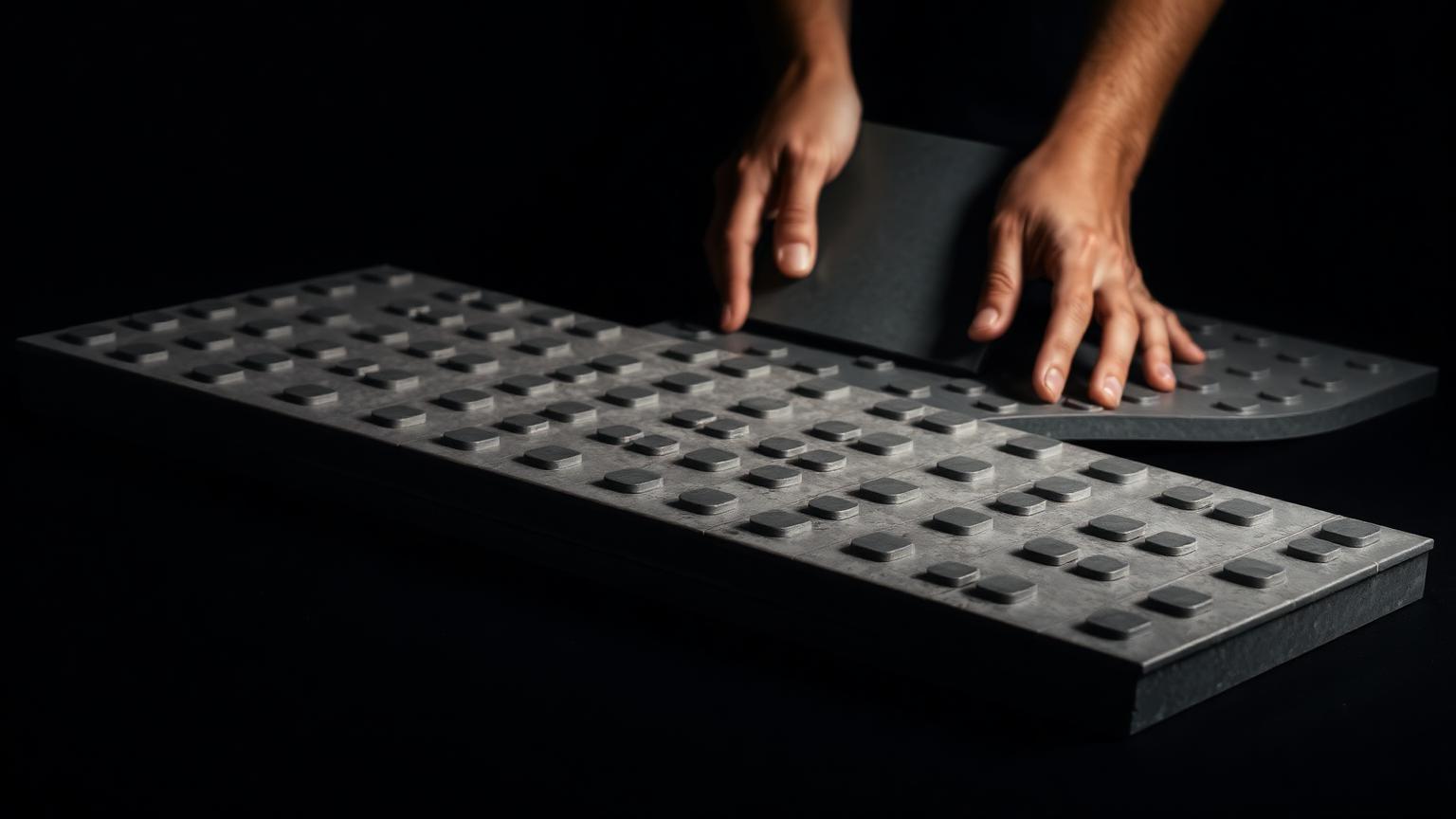
A good base compatible lego plate does three things well: it holds an accurate stud grid across its full length, it resists bowing under weight, and it links cleanly at the edges.
- Grid accuracy: sight down the studs — no drift from one end to the other.
- Rigidity: a thicker plate carries a heavy model without flexing.
- Edge connection: plates should sit flush with no lip at the seam.
- Bridge underneath: lock tiled plates into one rigid sheet with long plates across every seam.
For a deeper look at plate quality and clutch power, see our baseplate compatibility guide.
Planning and Testing Your Track
- Lay the full loop loosely first. Do not press anything down until the route closes and fits your table.
- Check every joint by eye. Look down the rails — they should form one smooth line with no lips or gaps.
- Test with a slow roll. Push a car around the whole loop by hand and feel for jolts.
- Press down once it runs clean. Only lock the track to the base after a smooth test run.
When you combine lego compatible tracks from more than one source, keep each brand to its own section if you feel a jolt at the mixed joints. More on cross-brand fit in our mixed-brand building guide.
Step-by-Step: Bringing All Three Layers Together
- Build and tile your base. Bridge the plates into one rigid, flat, square surface.
- Lay your track route. Roll-test it, then leave it loose so scenery can shift it slightly.
- Place the app-linked core. Position it where the app can see it clearly and confirm recognition before building around it.
- Build scenery around the core. Vary heights, keep tagged pieces visible and track edges clear.
- Lock everything down. Press the track firmly onto the base and run one final slow loop.
- Step back and refine. View the scene from across the room and fix bare patches or colour clashes.
Common Mistakes and How to Avoid Them
- Building on loose plates. Untethered plates drift and split — bridge the seams first.
- Blocking the app markers. Scenery over tagged pieces breaks recognition.
- Mixing track without testing. A single off joint derails everything.
- Skipping the paper plan. Guessing the route means running short mid-build.
- Forcing tight joints. A jammed piece can crack — reseat it or set it aside.
How to Display and Share Your Expanded Build
- Choose a steady spot. Away from direct sunlight, with room to walk around it.
- Light it like a little world. Warm light in the buildings, cooler light along the track, wires hidden under the base.
- Share with the community. Post progress shots — sharing often sparks your next addition.
Frequently Asked Questions
Can I still play app-linked builds now that some themes have wound down?
Often yes, as long as the app is installed and the tagged core pieces stay visible. Save the app version and photograph the recognised core as a backup.
How do I choose base plates for a large layout?
Prioritise grid accuracy, rigidity and clean edge connection, then tile several plates and bridge the seams underneath with long plates.
Can I mix compatible tracks from different sources?
Yes, with care. Roll a car slowly around the full route first. If you feel a jolt at a joint, keep each source to its own section.
What order should I build the layers in?
Base, track, app core, then scenery. Each layer depends on the one below it staying square and stable.
What are the most common expansion mistakes?
A shaky base, a blocked app core and an untested track. Fix those three and most other problems disappear.
Order LEGO-Compatible Sets from Morebybourn
We sell LEGO alternative sets and compatible bricks — including base plates, track systems and display-grade models — built to the same stud standard your collection already uses. If you would like help choosing the right set or placing an order, simply contact our customer service team and we will take care of it for you.