Can You 3D Print LEGO-Compatible Bricks at Home?
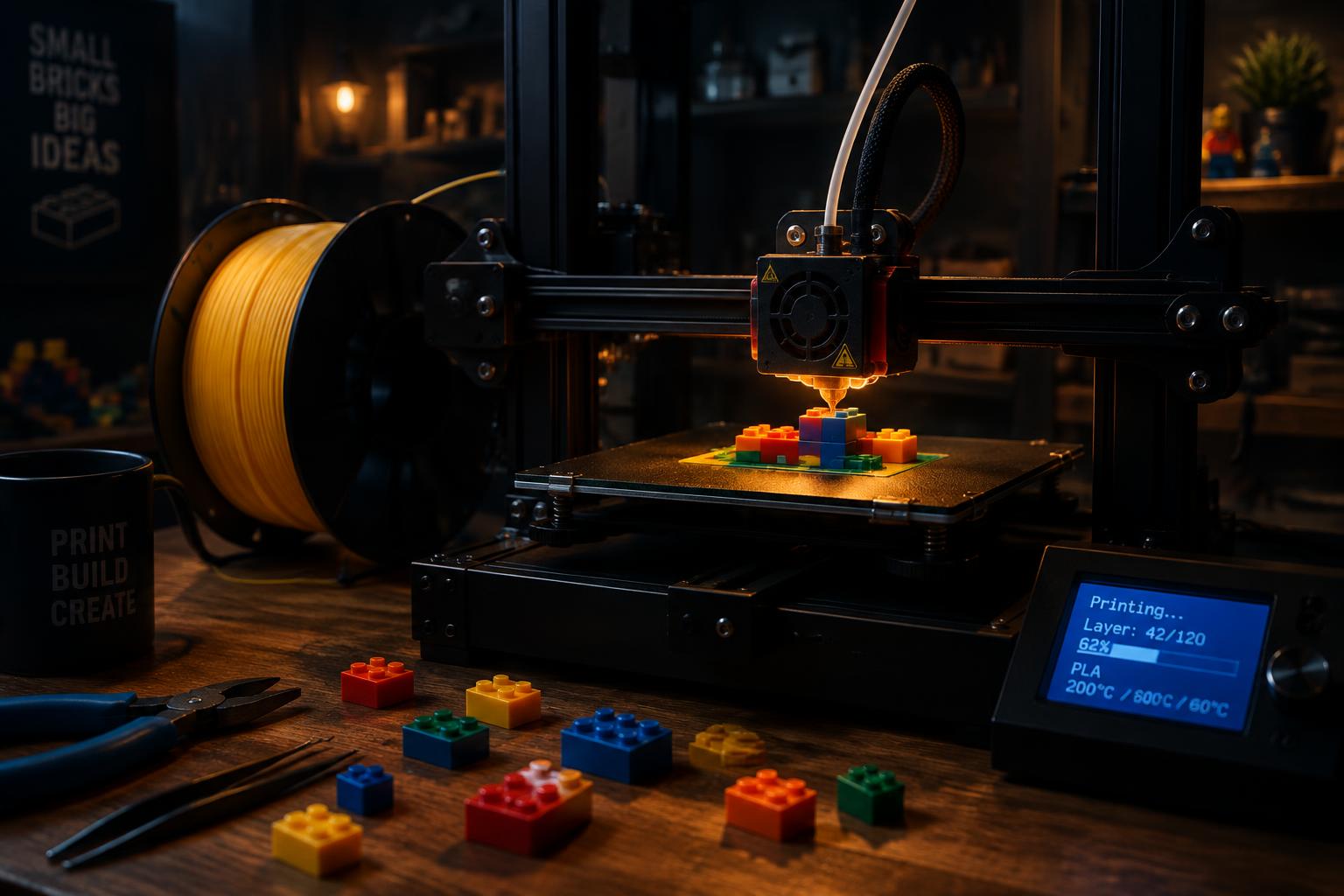
Quick answer: Yes. With the right printer, filament, and design files, you can produce lego compatible bricks 3d print projects that snap onto official LEGO and other compatible sets. Success depends on tolerance settings (usually 0.1mm clearance), a well-calibrated printer, and post-processing steps like sanding. This guide walks through the full process, start to finish.
3D printing has quietly become one of the most practical skills a brick hobbyist can pick up. Instead of waiting for a specific piece to go back into stock, or paying inflated prices for a rare color, you can design or download a file and print it yourself. For builders across the US and Europe who treat their collections as an ongoing creative project rather than a one-time purchase, this changes the math entirely.
This is especially true for anyone experimenting with lego compatible bricks 3d print techniques for the first time. The learning curve is real, but it's shorter than most people expect. A basic FDM printer, some PLA filament, and a free slicer program are enough to get functional, stud-compatible bricks off your print bed within a weekend.
What follows is a practical walkthrough: the tools you need, where to find or design files, how to dial in your printer settings, and how to finish your prints so they actually click into your existing collection. Whether you're a parent looking to supplement a City set, a collector filling in gaps for a display model, or a creator building entirely original designs, this guide covers the ground you need.
What Do You Need Before You Start 3D Printing LEGO-Compatible Bricks?
Before your printer produces a single usable piece, a few pieces of equipment and knowledge need to be in place.
Printer: An FDM (fused deposition modeling) printer is the standard choice for brick printing. Machines like the Creality Ender 3, Prusa Mini, or Bambu Lab A1 are common in hobbyist communities because they offer reliable layer precision at an accessible price point. Resin printers can achieve finer detail but are typically overkill — and more fragile — for interlocking bricks that need to withstand repeated snapping and pulling apart.
Filament: PLA is the most forgiving material for beginners. It prints at lower temperatures, warps less, and holds dimensional accuracy well. ABS is closer to what official LEGO bricks and premium compatible bricks (like those in the MOREBYBOURN catalog) are made from, offering slightly more flex and impact resistance, but it requires an enclosed printer and more careful temperature control. PETG sits in between and is a reasonable compromise if you don't have an enclosure.
Slicer software: Cura, PrusaSlicer, and Bambu Studio are free options that convert your 3D model into instructions your printer can follow. Pay attention to the "horizontal expansion" or "elephant's foot compensation" settings — these directly affect whether your studs and tubes end up the right size.
Calibration tools: A set of digital calipers is worth the small investment. Before printing an entire baseplate or wall section, print a single test stud and tube, measure it, and adjust your printer's flow rate or expansion settings accordingly. LEGO studs measure 4.8mm in diameter with a 0.1mm tolerance for the clutch power that makes bricks snap together — printing outside that range results in pieces that are either too loose or impossible to separate.
How Do You Design or Find Files for LEGO-Compatible Bricks?
You have two paths here: download existing files or design your own.
Finding files: Community sites like Thingiverse, Printables, and MyMiniFactory host thousands of free and paid brick files, ranging from simple 2x4 bricks to custom Technic connectors and specialty pieces that neither LEGO nor most alternative brands produce. Search using specific terms like "LEGO compatible brick STL" to filter results toward files that have already been tested for clutch accuracy by other builders. Reading the comments section on these files is genuinely useful — other builders often report which printer settings worked and which didn't.
Designing your own: If you can't find the piece you need, free CAD tools like Fusion 360 (free for hobbyist use) or Tinkercad let you model bricks from scratch. The key measurements to nail down are:
- Stud diameter: 4.8mm
- Stud height: 1.8mm
- Stud spacing: 8mm on center
- Wall thickness: roughly 1.2–1.5mm for standard bricks
Many designers start by downloading an official LEGO measurement reference or reverse-engineering an existing brick with calipers before building their file. Once you've modeled a basic brick and confirmed it prints correctly, scaling that file into custom shapes — curves, slopes, specialty connectors — becomes far easier.
This step is where the appeal of lego compatible bricks 3d print projects really shows. You're no longer limited to what's commercially available. If a set you own is missing a rare piece, or you want a color that was never manufactured, you can produce it yourself.
How Do You Print Bricks for Perfect Compatibility?
Getting a brick to look right is one thing. Getting it to snap onto other bricks with the correct amount of resistance is another, and it's where most beginners run into trouble.
- Print a calibration cube first. Before committing to a full brick, print a small test object to confirm your printer's dimensional accuracy. If a 20mm cube prints at 20.3mm, you'll need to adjust your flow rate or horizontal expansion settings accordingly.
- Orient your brick print-side down. Printing bricks with the flat top facing the print bed produces the cleanest stud surface, since studs are typically the most visually and functionally sensitive part of the piece.
- Use a 0.2mm layer height. This offers a solid balance between print speed and surface smoothness. Finer layers (0.1mm) improve stud finish but roughly double your print time.
- Set infill to 15–20%. Bricks don't need to be solid. A moderate infill keeps them lightweight and reduces material use without sacrificing structural strength for clutch power.
- Slow down for the outer walls. Reducing print speed by 20–30% on the perimeter layers (particularly around studs and tubes) improves dimensional accuracy exactly where it matters most.
- Test-fit immediately. Once a brick cools, test it against a real brick from your collection before printing an entire batch. This single step will save you hours of wasted filament if your settings need adjustment.
If you want a deeper breakdown of how tolerance and clutch power work across different compatible brick brands, this compatibility guide covers the technical side in more detail.
How Do You Sand, Paint, and Finish 3D-Printed Bricks?
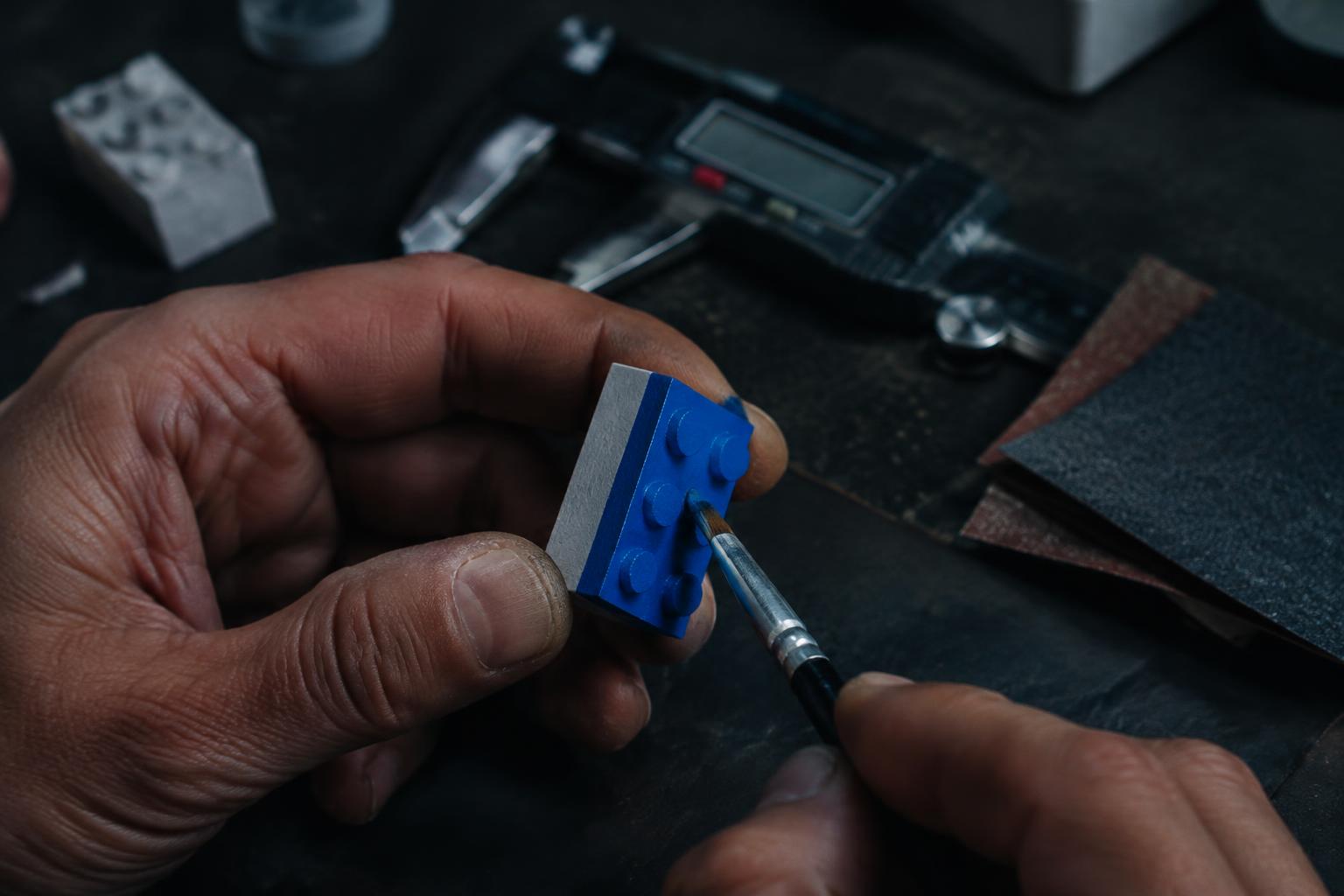
Even a well-calibrated print will usually show visible layer lines — a texture that's fine for functional pieces but noticeable on display models.
Sanding: Start with 400-grit sandpaper to knock down layer lines, then move to 800 and finally 1200-grit for a smoother surface. Wet-sanding (dipping the paper in water periodically) reduces plastic dust and produces a cleaner finish. Focus extra attention on visible outer surfaces; studs rarely need sanding since the contact points are small.
Filling gaps: For pieces with visible print artifacts, a thin layer of plastic-compatible filler primer can smooth out imperfections before painting. Let it cure fully, then sand again with fine-grit paper.
Painting: Acrylic paints formulated for plastic models adhere well to PLA and ABS once primed. Apply thin coats rather than one thick layer, and use a matte or satin clear coat to match the finish of official bricks, which typically have a slight sheen rather than a glossy shell.
Curing time: Give painted pieces at least 24 hours to fully cure before handling or snapping them into a build. Rushing this step is the most common reason painted bricks chip during assembly.
How Do 3D-Printed Bricks Work with Official and Alternative Sets?
One of the most reassuring facts about brick printing is that the stud-and-tube system is a shared standard across the hobby. Official LEGO, alternative brands, and well-calibrated 3D prints all rely on the same 4.8mm stud diameter and comparable clutch tolerances, which is why a properly printed brick can sit seamlessly next to a set from any manufacturer.
That said, compatibility varies by print quality far more than by brand. A precisely printed brick will clutch just as well as an injection-molded one. A poorly calibrated print, on the other hand, may be loose enough to fall apart or tight enough to damage the pieces around it.
This is where mixing your own 3D-printed elements with a base collection of premium alternative bricks makes practical sense. Instead of printing an entire model from scratch — a time-intensive process — many builders use 3D printing for the small, specialty, or rare pieces, while sourcing the bulk of their bricks from established alternative brands. It's a hybrid approach that plays to the strengths of both methods: mass-produced consistency for the bulk of a build, and print-on-demand flexibility for the pieces that are hard to find anywhere else.
Why Is MOREBYBOURN a Reliable Source for LEGO-Compatible Bricks?
If 3D printing covers the gaps, MOREBYBOURN covers the foundation. The brand sources sets from established manufacturers — Cada, Mould King, Reobrix, and others — built to the same ±0.01mm stud tolerance as official LEGO bricks, so 3D-printed additions and MOREBYBOURN sets clutch together without modification.
A few facts worth knowing:
- High-grade ABS plastic construction, matching official LEGO material specs for durability and color accuracy
- EN71 (EU) and ASTM F963 (US) safety certification on applicable sets
- 3–5 day shipping from a US warehouse, with English instructions included
- 30-day return policy
- 24/7 customer support
For collectors and creators combining printed pieces with retail sets, browsing the full MOREBYBOURN catalog is a fast way to fill in a build with pieces that already match official tolerances — no printer calibration required.
What Are the Best Tips for Consistent 3D-Printed Brick Results?
A few habits separate builders who get consistent results from those who reprint the same brick five times:
- Keep a settings log. Once you find the flow rate and expansion values that produce a good clutch fit, write them down. Filament brands and even different spools of the same brand can shift your calibration slightly.
- Print in small batches first. Before committing an entire roll of filament to one design, print two or three test pieces to confirm fit.
- Store filament properly. PLA and PETG absorb moisture from the air, which affects print quality. A sealed container with silica gel packets extends filament life significantly.
- Clean your nozzle regularly. A partially clogged nozzle is one of the most common causes of inconsistent stud dimensions.
- Join a community. Builders sharing printer settings, STL files, and troubleshooting tips can save you weeks of trial and error. Communities built around lego compatible bricks 3d print projects are active on Reddit, Discord, and dedicated forums, and most are happy to help newcomers get their first prints right.
For builders who want to see how finished projects come together — printed pieces, retail sets, and display setups combined — this project gallery guide walks through documentation and display techniques worth borrowing.
Where Should You Go from Here?
3D printing has turned brick building into something closer to open-source design than a fixed retail hobby. You're no longer limited to what's in stock or what a manufacturer decided to produce this year. With a calibrated printer, the right filament, and a bit of patience during post-processing, you can create pieces that snap directly into your existing collection — official, alternative, or a mix of both.
Start small. Print a test cube, then a single brick, then build up to more ambitious custom pieces once your settings are dialed in. Pair your printed pieces with a solid foundation of pre-made compatible bricks, and you'll spend less time troubleshooting and more time building.
FAQ
Do 3D-printed bricks actually snap together like real LEGO bricks?
Yes, if your printer is properly calibrated. LEGO-style clutch power depends on stud diameter (4.8mm) and tolerance within about 0.1mm. A calibration test print, followed by flow rate and horizontal expansion adjustments, is usually enough to achieve a proper fit on most FDM printers.
What's the best filament for printing LEGO-compatible bricks?
PLA is the easiest for beginners due to low warping and simple print settings. ABS more closely matches the plastic used in official and premium alternative bricks, offering better flex and impact resistance, but requires an enclosed printer for best results. PETG is a reasonable middle ground.
Can I mix 3D-printed bricks with sets from brands like MOREBYBOURN?
Yes. Both official LEGO and quality alternative brands like MOREBYBOURN are manufactured to the same stud-and-tube standard. A properly calibrated 3D print will clutch just as well as an injection-molded brick from either source.
Do I need expensive equipment to start printing bricks?
No. An entry-level FDM printer in the $150–$300 range, combined with free slicer software and a spool of PLA filament, is enough to produce functional, compatible bricks. The learning curve involves calibration and testing more than equipment cost.
Is it cheaper to 3D print bricks or buy alternative sets?
It depends on volume. Printing is cost-effective for one-off, rare, or custom pieces since you only pay for filament and print time. For bulk brick needs, established alternative brands are usually more efficient, since manufacturing at scale keeps per-piece costs low while maintaining consistent tolerances.
Order LEGO-Compatible Sets from Morebybourn
We sell LEGO alternative sets and compatible bricks for families, hobbyists, and collectors. Contact our customer service team for personal recommendations and help placing your order.